Use PDFCheetah in ChatGPT and Claude
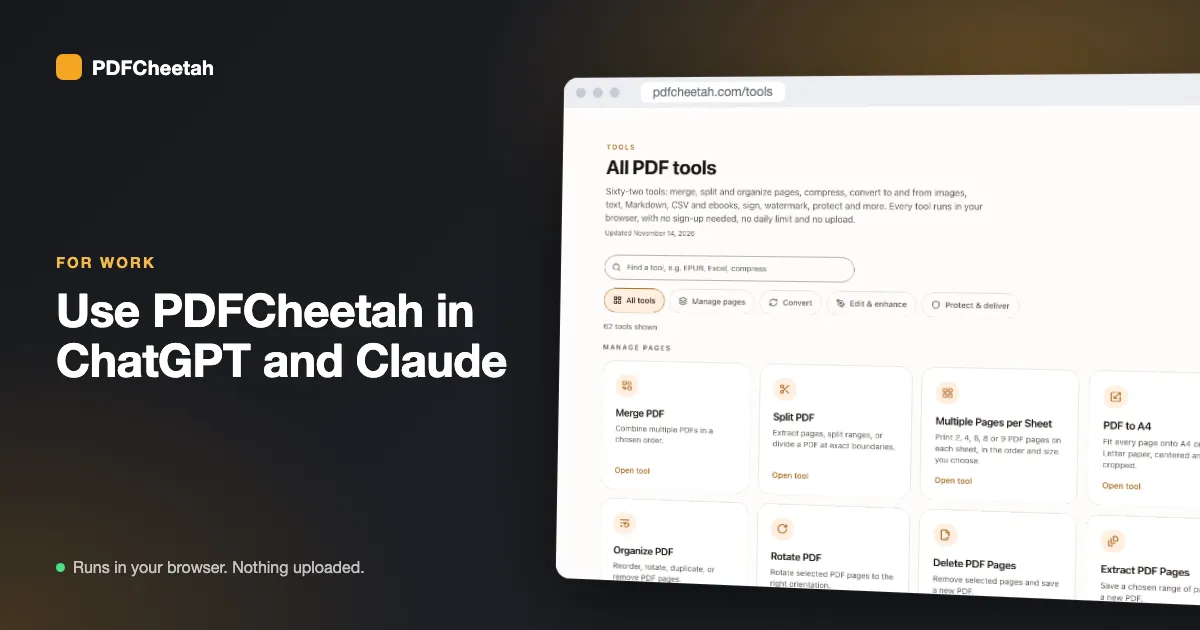
PDFCheetah's connector lets ChatGPT or Claude point you to the right PDFCheetah tool for a PDF job. You do the job on that page, in your own browser, and your file is not uploaded.
Updated
Add it to your assistant
The connector's address:
ChatGPT
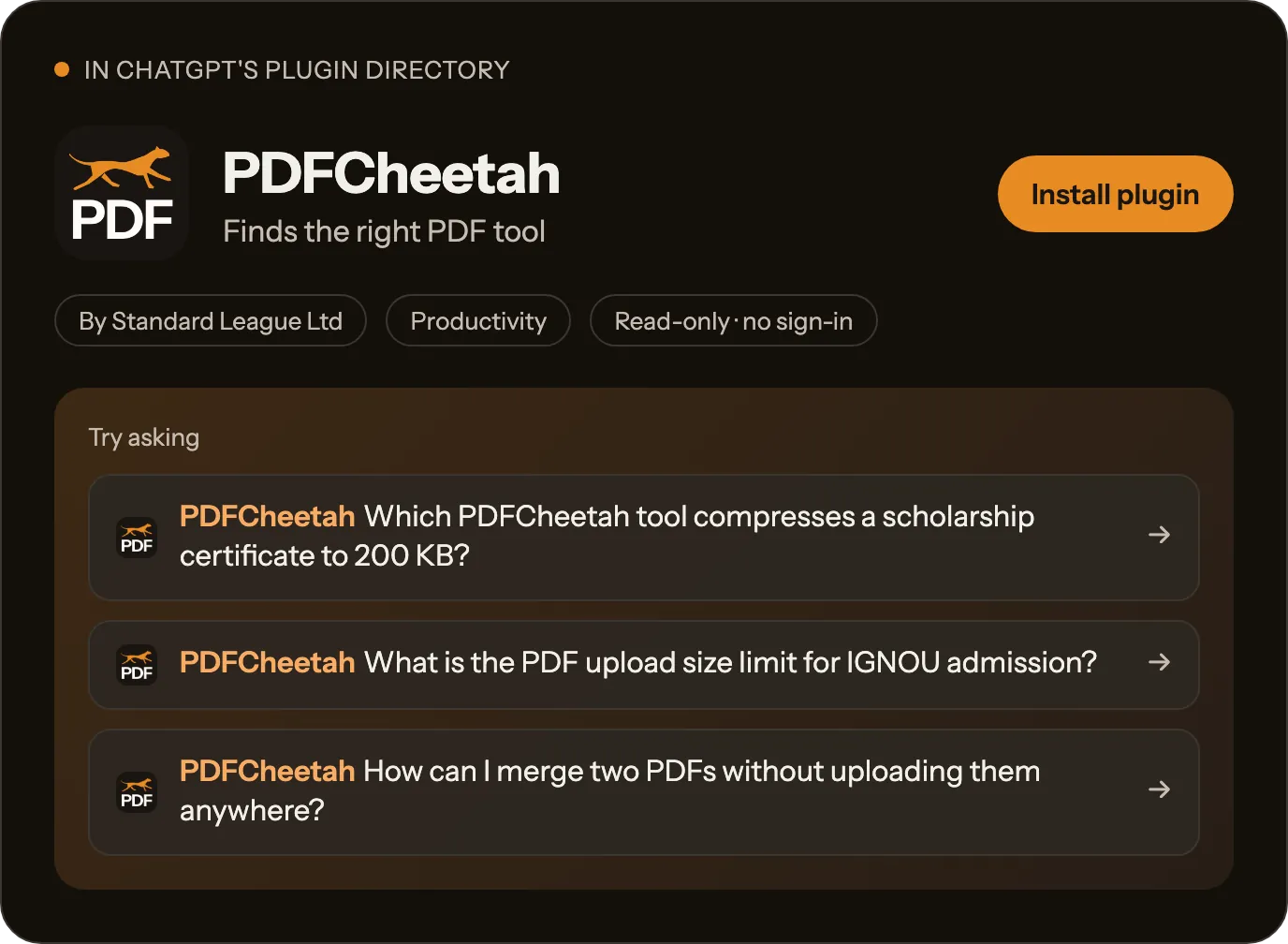
Open Plugins in ChatGPT's sidebar, find PDFCheetah and choose Install plugin. Whether you can install it depends on your ChatGPT plan and workspace.
ChatGPT Plugin For PDFCheetah (opens in a new tab)
Claude
Open Customize or Settings, then Connectors, and add a custom connector with the address above. On Team and Enterprise plans, an owner adds it first.
Coming soon to Claude's connector directory.
What it can do
Find a tool for a job
Describe the job, such as merging two PDFs or compressing a file to 200 KB, and get up to three PDFCheetah pages that do it.
List the tools
See every PDFCheetah tool that runs in your browser, by group.
Look up an upload limit
For 16 Indian exam, admission, scholarship and government forms, get the PDF size limit from the form's official page and the date it was read. Any other form gets “no limit recorded”, not a guess.
What it does not do
- It never receives or opens your file. It answers with links.
- It answers only from what pdfcheetah.com publishes.
- It needs no account or sign-in.
Try asking
- Which PDFCheetah tool compresses a scholarship certificate to 200 KB?
- What is the PDF upload size limit for IGNOU admission?
- How can I merge two PDFs without uploading them anywhere?
Privacy
The words your assistant sends are used to pick an answer and are not stored or logged. PDFCheetah keeps only a daily count of how often each ability is used, and a short-lived count of requests from each internet address. What your assistant keeps of your conversation is set by its own privacy policy. The full text is in the privacy policy, under “Using our connector in an AI assistant”. For anything else, use the contact page.