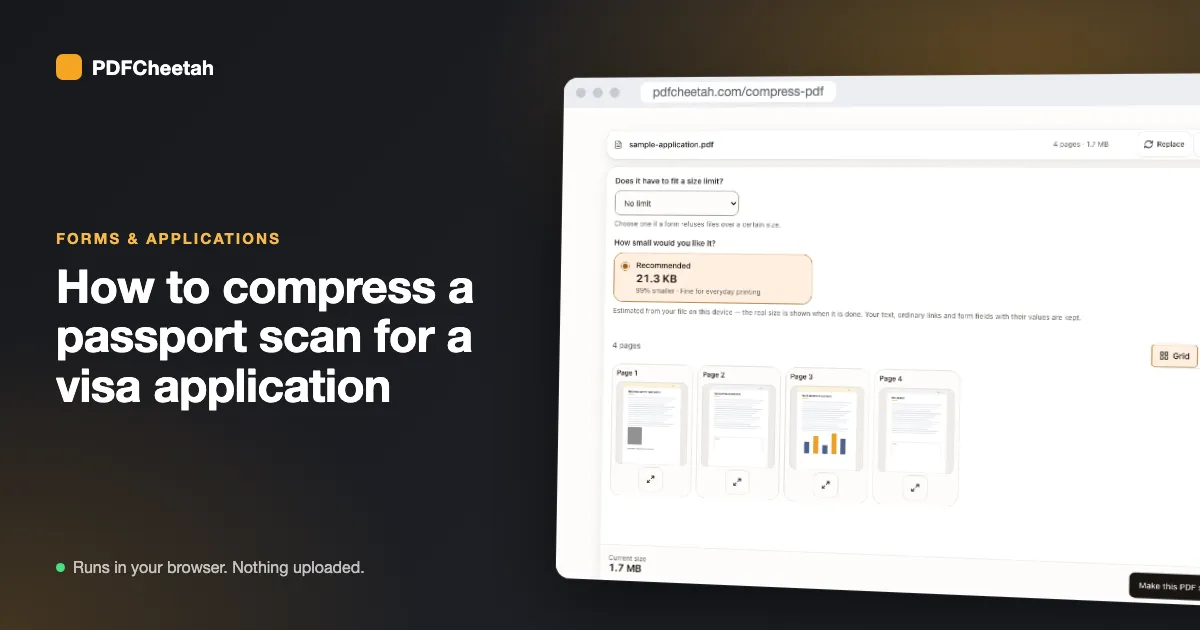
How to compress a passport scan for a visa application
The visa portal says 'file too large'. Get your passport scan under the limit without blurring it.
By PDFCheetah · 21 Nov 2026 · 3 min read
Priya scanned her passport at the library, uploaded it to the visa portal, and got a red line: 'File size must not exceed 1 MB'. The scan was 6.4 MB. This is the most common reason a passport PDF gets rejected, and it takes about a minute to fix.
Why a passport scan is so big
A scanner saves each page as a high-resolution photo, often far sharper than any visa officer needs. Shrinking the PDF mostly means re-saving that photo at a sensible resolution. The text on the page and the shape of the document don't change. Why PDF files get large explains this in more detail.
Reduce the PDF size under the limit
- 1Open Compress PDF and add your passport scan.
- 2Look at the size shown next to each setting. Pick the first one that's under your portal's limit.
- 3Download the smaller copy and open it once to check the photo and the machine-readable lines at the bottom are still sharp.
- 4Upload that copy to the visa portal.
- Compress a PDF to 1MBMost visa and immigration portals
- Compress a PDF to 500KB
- Compress a PDF to 200KBStrict government forms
- Compress a PDF to 100KB
Only have photos of your passport?
If you photographed the pages with your phone instead of scanning them, use Scan to PDF to straighten each photo into a flat page first, or JPG to PDF if they're already straight. Then compress the PDF you get.
What Compress PDF won't do
- Promise a size it can't reach. Some scans can't get under a very small limit without becoming unreadable, and you're told so before anything runs.
- Turn your pages into a single flattened picture to hit a number. The text stays as it was.
- Open a password-protected PDF without its password. Unlock it first if it has one.
Questions people ask
Is it safe to compress my passport on a website?
On PDFCheetah your file is made smaller in your browser and never uploaded. An automated test fails our build if a document's bytes or filename ever reach the network.
Will the visa office reject a compressed scan?
They reject scans they can't read. Open the smaller copy before you upload it and zoom into the photo and the bottom two lines. If those are sharp, the scan is fine.
What if I need the passport and other documents in one file?
Combine them first with Merge PDF, then compress the combined file. Our guide to combining documents for an application walks through it.