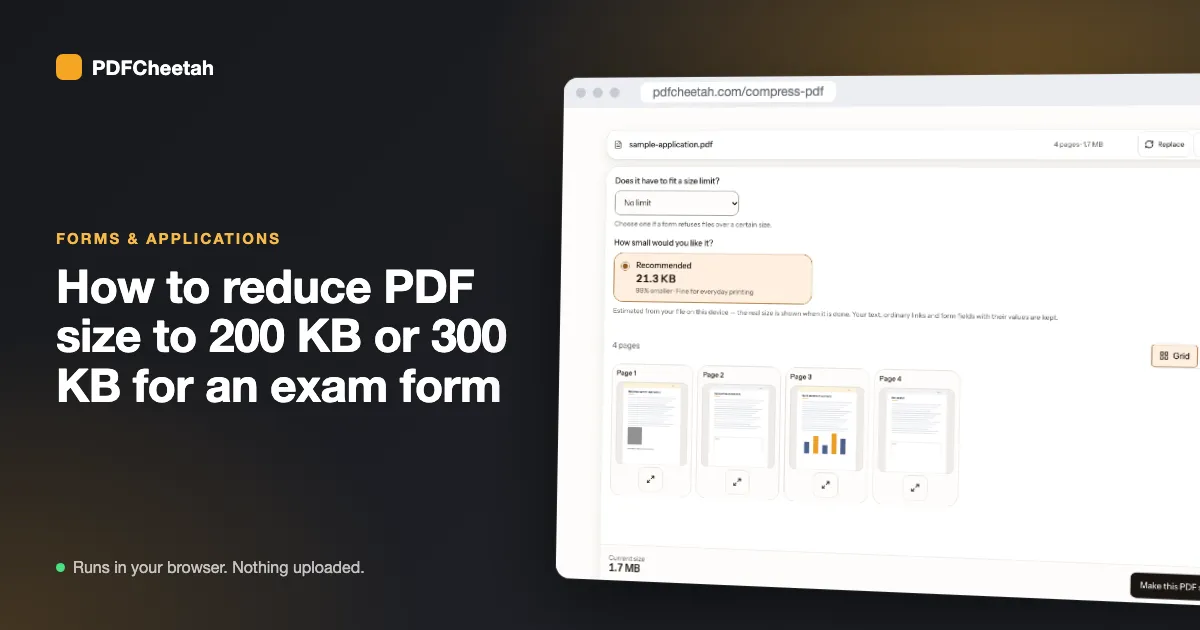
How to reduce PDF size to 200 KB or 300 KB for an exam form
Marksheets, certificates and photos that must fit a strict upload limit on an exam portal.
By PDFCheetah · 21 Nov 2026 · 3 min read
Rohit in Patna is filling in his UPSC One Time Registration at 11 at night. The photo ID PDF he made from his Aadhaar card is 1.8 MB, and the form says it must be no more than 300 KB and no less than 20 KB. The last date is tomorrow.
Why exam portals are so strict
Lakhs of candidates upload documents in the same few weeks, and portals keep each file small. A scan or a phone photo saved as a PDF is usually far bigger than it needs to be, because it holds a high-resolution picture of the page. Re-saving that picture smaller is what gets you under the limit.
The limits differ from form to form. The UPSC One Time Registration asks for 20 KB to 300 KB. JEE (Main) 2027 asks for 50 KB to 300 KB. The National Scholarship Portal and IGNOU admission ask for no more than 200 KB. SSC, NEET and state boards print their own limits in each notice, and forms change them between rounds, so check yours before you start. Our table of PDF limits on Indian forms links each one to its official source.
Reduce the PDF size to the form's limit
- 1Open Compress PDF and add your document.
- 2Give it the exact limit the form prints, such as 200 KB. Before anything runs, you're told whether your file can reach it.
- 3Download the smaller copy and open it. Zoom in on names, roll numbers and marks to check they are still easy to read.
- 4If the form also sets a minimum, check the new size is above it before you upload.
- Compress a PDF to 50KB
- Compress a PDF to 100KB
- Compress a PDF to 200KBScholarship and admission forms
- Compress a PDF to 300KBUPSC registration and JEE (Main)
- Compress a PDF to 500KB
- Compress a PDF to 1MB
Still too big?
Send fewer pages. If the form wants only the first page of a certificate, take the rest out with Delete PDF Pages. That often saves more than any setting can. If you only have phone photos of your marksheet, put them into a PDF with JPG to PDF first, then compress that PDF.
More video tutorials
What Compress PDF won't do
- Promise a size it can't reach. A long colour scan may not fit under a very small limit and stay readable, and you're told before anything runs.
- Turn your pages into one flattened picture to hit a number. Typed text stays as it was.
- Make a file bigger to reach a form's minimum. If your file is already under it, use the original.
Questions people ask
Is it safe to upload my Aadhaar or marksheet to a compress website?
On PDFCheetah you don't upload it. The file is made smaller in your browser, and an automated test fails our build if a document's bytes or filename ever reach the network.
The form says minimum 50 KB and my file is now 30 KB. What do I do?
Choose a size closer to the form's maximum, such as 200 KB or 300 KB, so less detail is taken out. Or start again from the original.
Can I do this on my phone?
Yes. It works in the browser your phone already has, with no app to install and no account.