How to password-protect tax documents before you email them
A W-2 can show your Social Security number. Lock the PDF before it goes to your accountant.
By PDFCheetah · 22 Nov 2026 · 3 min read
Tax documents carry the details identity thieves want most: your full Social Security number, your employer, your income and often your bank account. Email isn't built to keep an attachment private once it's sent. It sits in two mailboxes, and possibly in a forwarded copy.
If your preparer has a secure upload portal, use it. If they ask for email, a password on the PDF means the file is useless to anyone who doesn't also have the password.
Password-protect the PDF in four steps
- 1If you have several documents, combine them first with Merge PDF, so there's one file and one password.
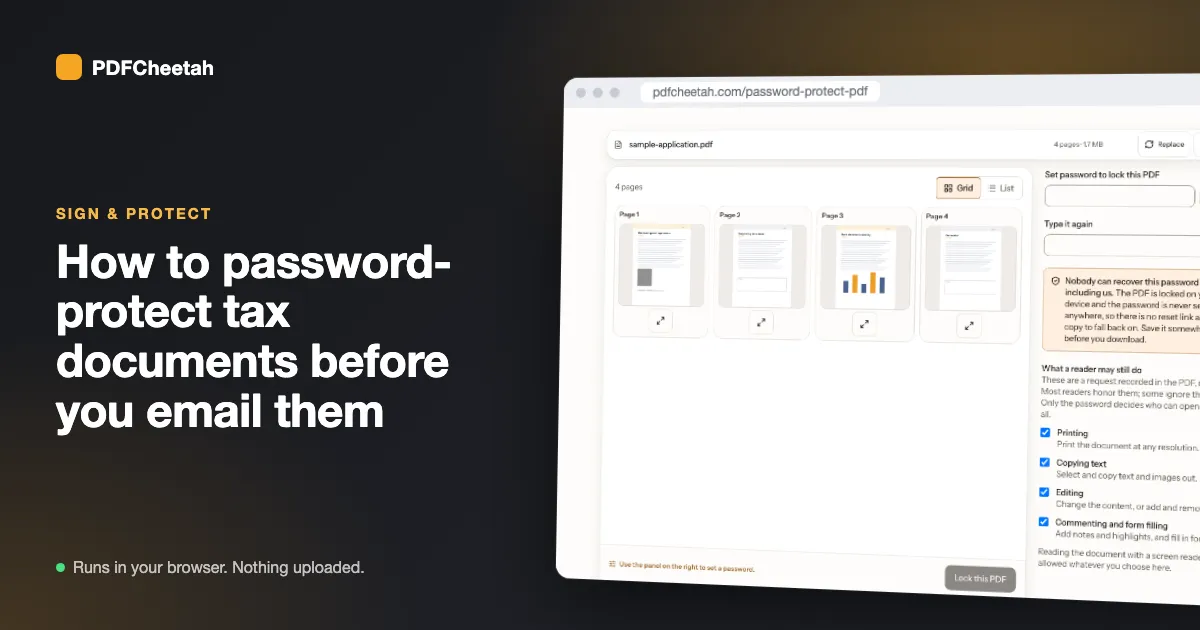
- 2Open Password Protect PDF and choose the file.
- 3Type a password that's long and hard to guess. Write it down somewhere safe: nobody can recover it if it's lost.
- 4Download the locked PDF and attach that one to your email.
Check it opens
Open the locked copy yourself: it should ask for the password before showing anything. The file uses AES-256, which current PDF readers on computers and phones open. Some very old software can't, so if your preparer has trouble, ask which reader they use.
Clean out what else travels with the file
A PDF can also carry its author's name and the software and dates it was made with. If you'd rather that didn't go too, run it through Remove PDF Metadata before you lock it.
What Password Protect PDF won't do
- Recover a password you've forgotten. Keep the unlocked original until your preparer confirms the file opens.
- Stop someone who has the password from printing or copying the file. Those settings are requests readers honor, not locks.
- Upload your file or your password. Both stay on the device you're using.
Questions people ask
Is a password-protected PDF safe to email?
It's far safer than an unlocked one. With AES-256 and a strong password, the file can't be opened without the password, so send that separately.
Will my accountant need special software?
No. Any current PDF reader asks for the password and opens the file, on a computer or a phone.
Is my password sent to PDFCheetah?
No. The file is locked in your browser, and neither the file nor the password you type is ever sent anywhere.