How to remove the password from a bank statement PDF
Your bank emails statements locked with your date of birth. Make a copy that opens without it.
By PDFCheetah · 21 Nov 2026 · 3 min read
Meera in Pune is applying for a home loan. The lender wants six months of bank statements and her credit card statements as PDFs, and every one of them asks for a password when it opens. The loan portal can't read a locked file, and typing her date of birth into each one is getting old.
Why your statements are locked
Banks and card companies lock emailed statements so that only you can open them if the email goes astray. The password is usually built from your own details, such as part of your name with your date of birth, or part of your PAN or customer ID. The email the statement came with normally says which.
Taking the password off makes a copy you can open, merge, compress or upload without typing it again. It also removes any limits on printing and copying, because a PDF stores those inside the same lock.
Remove the password from the PDF
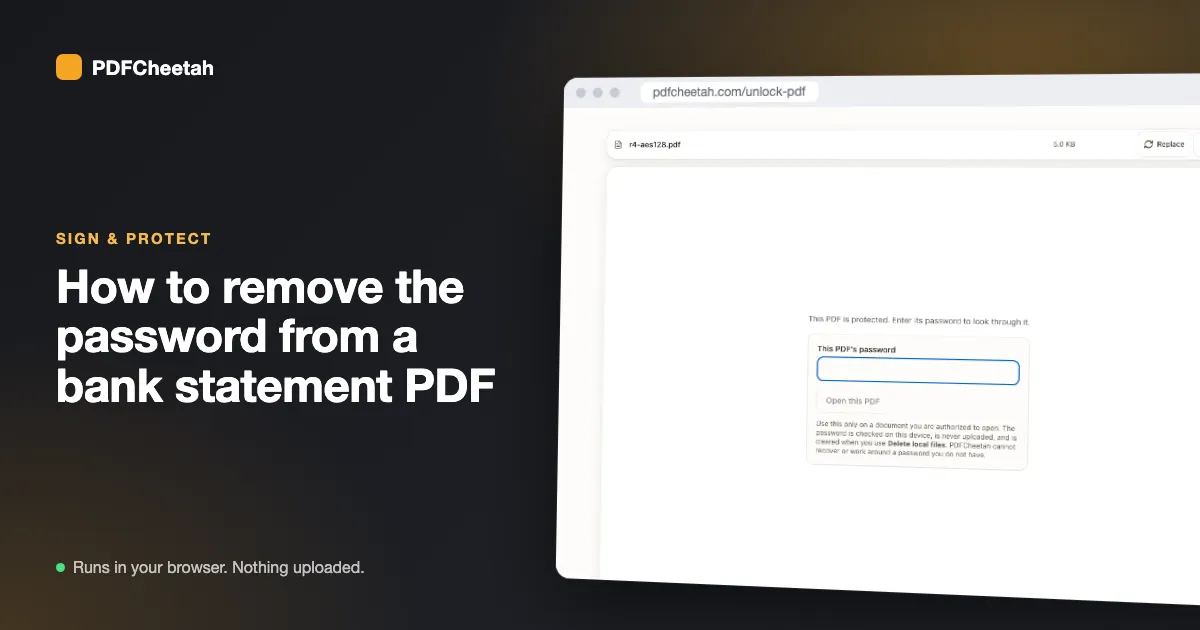
- 1Open Unlock PDF and add your statement.
- 2Type the password, the same one you use to open it.
- 3Download the unlocked copy. Before it appears, it is opened and checked to need no password.
- 4Do the same for each statement, then upload the unlocked copies.
Several statements in one file
Some lenders want all the months as one PDF. Unlock each statement first, because Merge PDF refuses a locked file and tells you which one it is. Then merge the unlocked copies, and compress the result if the portal has a size limit. Our guide to combining documents for an application walks through it.
What Unlock PDF won't do
- Open a statement whose password you don't know. Nothing here tries to guess or break it. Ask your bank how its passwords are made.
- Handle a PDF protected with a certificate instead of a password.
- Keep a digital signature valid. If your bank signed the statement, the unlocked copy may no longer show the signature as valid, so keep the original too.
Questions people ask
Is it safe to remove the password from my bank statement online?
On PDFCheetah the statement is unlocked in your browser and never uploaded, and the password goes nowhere. An automated test fails our build if a document's bytes or filename ever reach the network.
I forgot the password. Can you open it?
No. Without the password the file can't be read, here or anywhere else. Your bank's statement email or website usually explains the format, or the bank can send it again.
Is my original statement changed?
No. You download a new copy without the password. The original stays locked, exactly as it was.