How to combine your documents into one PDF for an application
The form takes one file, and you have an ID, a payslip and three photos. Put them in one PDF.
By PDFCheetah · 21 Nov 2026 · 3 min read
James in Manchester is renting a flat. The letting agent's form has one upload box for 'proof of ID, income and address', and he has a passport scan, two payslips as PDFs, and three phone photos of a council tax bill. The box takes one file.
Job portals, loan applications and visa forms often work the same way: one upload, everything inside it. The answer is one PDF with every document in the order they asked for.
Make the photos into a PDF first
Merge PDF joins PDFs, so pictures need to become a PDF before they can go in. Put the photos into JPG to PDF, arrange them, and download one PDF. If the photos are tilted pages of paper, Scan to PDF straightens them instead. iPhone photos saved as HEIC can go through Image to PDF where your browser can open them.
Combine everything
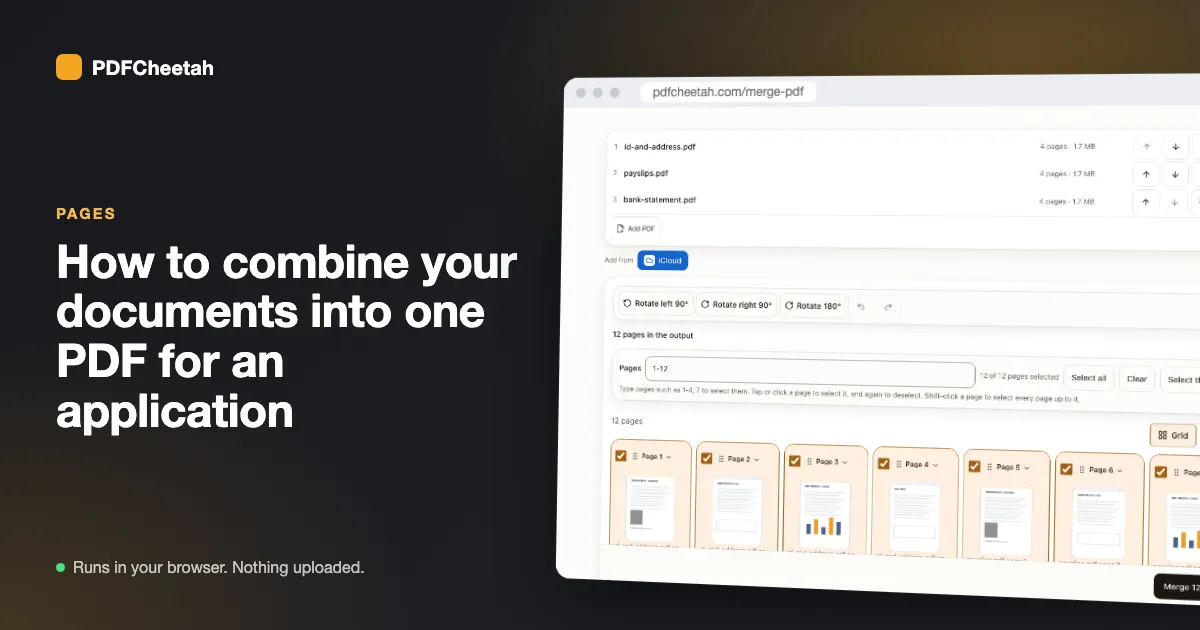
- 1Open Merge PDF and add your PDFs, including the one you made from the photos.
- 2Use the arrows on each file to put them in the order the form lists them: ID, then income, then address, for example.
- 3Look through the preview. You can leave a page out, move it or rotate it before you download.
- 4Download the merged PDF and open it once to check every page is there.
Get it under the size limit
A merged file is about as big as its parts added together, and phone photos are heavy. If the form has a limit, open the merged PDF in Compress PDF and give it that number. Compress after merging, so you only do it once. If one of your files asks for a password, Merge tells you which one: take the password off with Unlock PDF first.
What Merge PDF won't do
- Keep fillable form fields working. A form you merge in can't be typed into afterwards, so fill it in and save it flattened in Fill PDF Form before you merge.
- Merge a password-protected PDF. It names the locked file so you can unlock it first.
- Read the text in photos. A photographed payslip stays a picture, so its words can't be searched or copied.
Questions people ask
Is it safe to merge my ID and payslips on a website?
On PDFCheetah your files are combined in your browser and never uploaded. An automated test fails our build if a document's bytes or filename ever reach the network.
Can I change the order after adding the files?
Yes. Every page appears in one preview in the order it will be saved. Move whole files with their arrows, or drag single pages.
Will merging make my documents blurry?
No. Pages are copied as they are, with nothing re-saved. Only compressing changes picture quality, and it shows you the size before it runs.