How to combine PDF files into one
Join two or more PDFs into one file in the order you choose, on a computer or a phone.
By PDFCheetah · 22 Nov 2026 · 3 min read
A contract arrives as three PDFs. A report has its appendix in a separate file. A school wants one document with every page of a form. Whatever the reason, the job is the same: several PDFs in, one PDF out, with the pages in the right order.
Combine PDF files in four steps
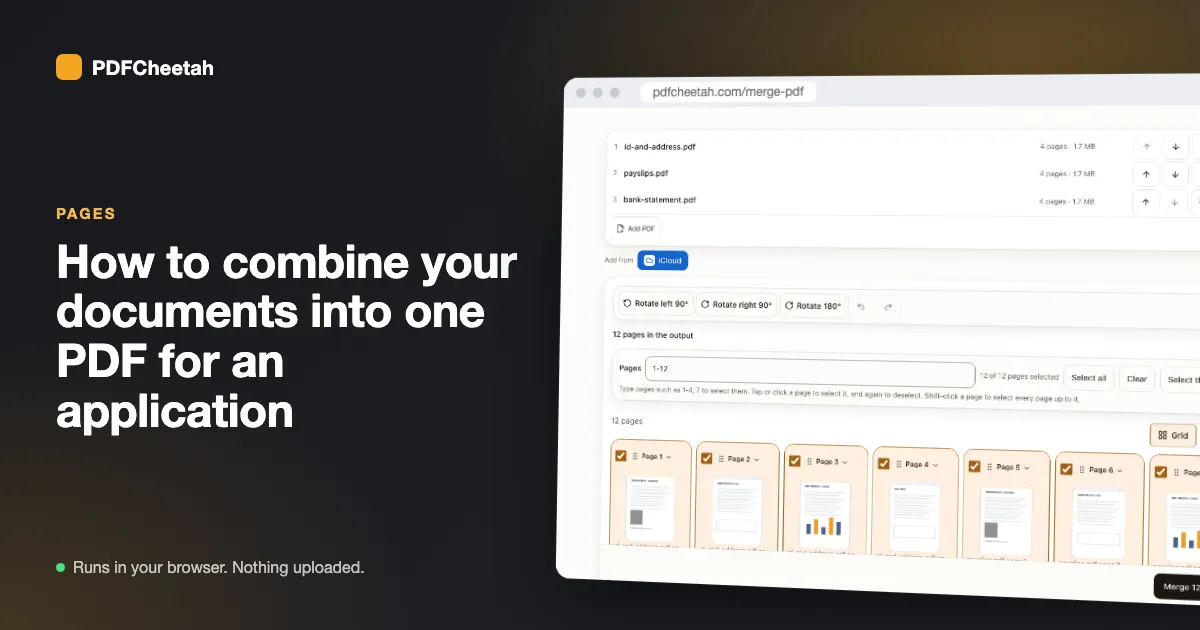
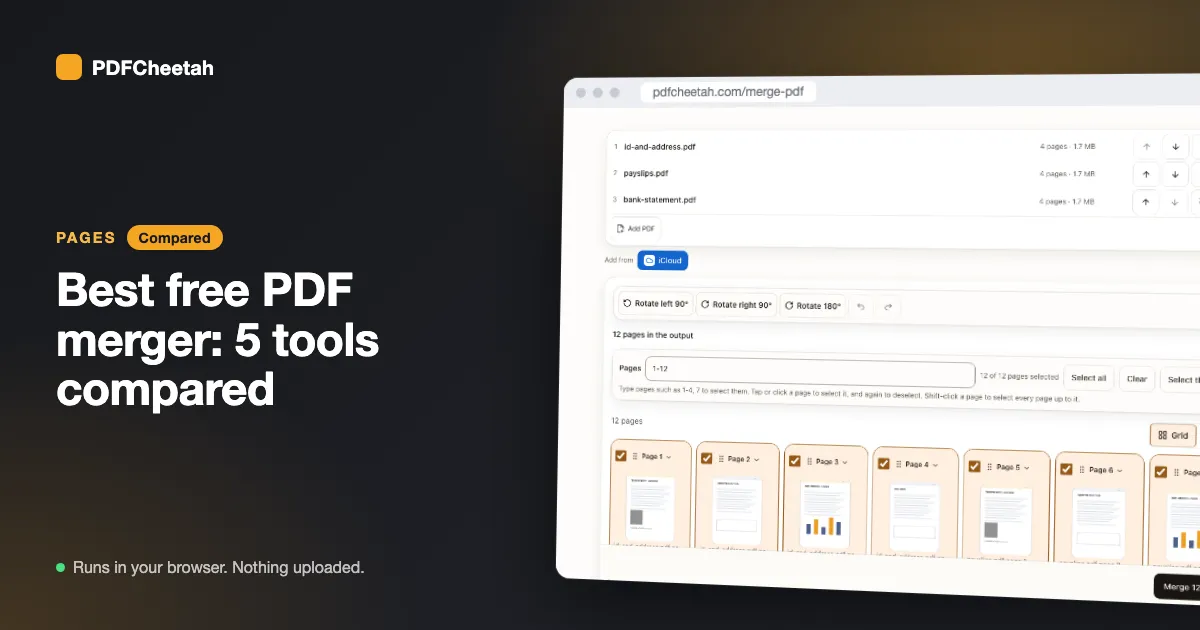
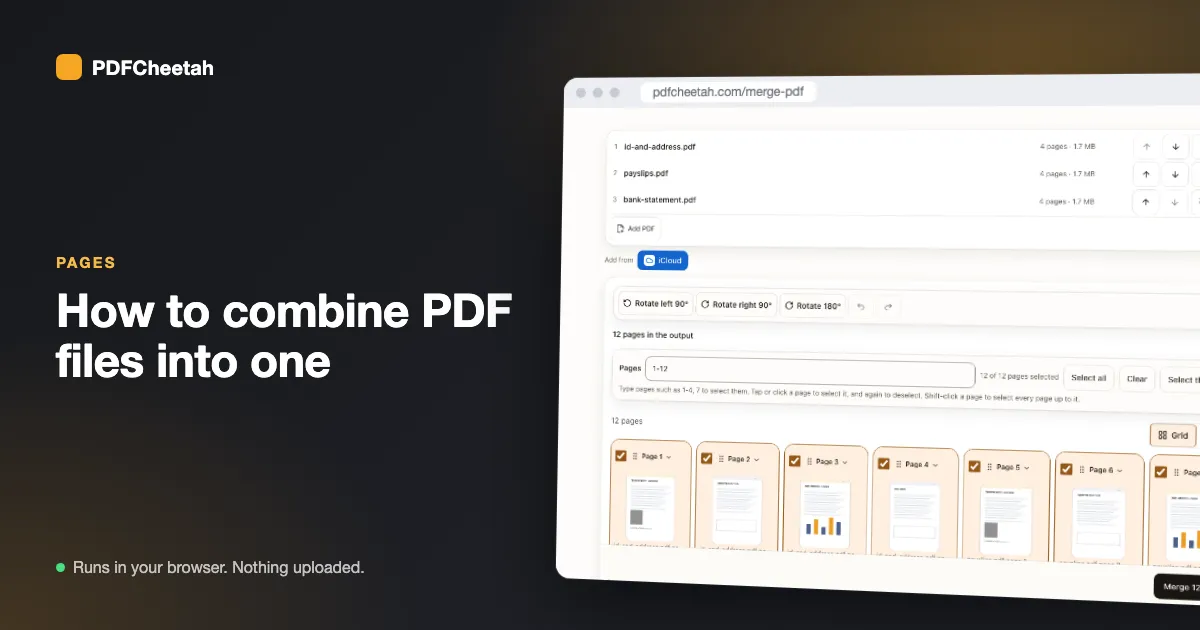
- 1Open Merge PDF and add your files: drop them on the page, or choose them from your computer or phone.
- 2Use the arrows on each file to set the order. The first file's pages come first.
- 3Look through the preview. Drag a single page somewhere else, rotate it, or leave it out.
- 4Download the combined PDF, then open it once to check every page is there.
Get the pages in exactly the right order
The preview shows every page of every file in the order it will be saved, and you can drag any page anywhere in it, so pages from different files can be shuffled together before you download. To duplicate a page or add a blank one, open the combined PDF in Organize PDF.
Merge PDF files on an iPhone or Android phone
It works the same in your phone's browser: open Merge PDF, tap to choose your files from Files or Downloads, and download the combined PDF. Nothing to install, and nothing is sent anywhere.
If the combined file is too big to send
A combined PDF is about as big as its parts added together. If email or an upload form turns it away, open it in Compress PDF and give it the size you need. Compress once, after combining, rather than file by file.
What Merge PDF won't do
- Combine a password-protected PDF. Merge names the locked file, so you can take the password off with Unlock PDF first.
- Keep fillable form fields working. Fill a form in and save it flattened in Fill PDF Form before you combine it.
- Change your original files. The combined PDF is a new file, and the ones you added are left as they were.
Questions people ask
Is it really free?
Yes. Merge PDF is free with no daily limit and no account. It combines up to five files at a time, and you can run it as often as you like.
Are my files uploaded?
No. Your PDFs are combined in your browser and the result is saved to your device. An automated test fails our build if a document's bytes or filename ever reach the network.
Will combining make the pages blurry?
No. Pages are copied across as they are, with nothing re-saved. Bookmarks come across too.
Is combining PDFs the same as merging them?
Yes. Combine and merge mean the same thing: several PDFs become one file, in the order you choose. Merge PDF does it in your browser.