How to edit a PDF: add text, notes and signatures
Write on a PDF, mark it up or sign it in your browser, and what to do when you need to change its words.
By PDFCheetah · 22 Nov 2026 · 4 min read
Searching how to edit a PDF usually means one of three things: writing something new on it, marking it up for someone, or changing words that are already there. The first two take a minute in your browser. The third is a different job, and it's worth knowing which one you're after before you start.
Type or write on a PDF: text, notes, drawings and links
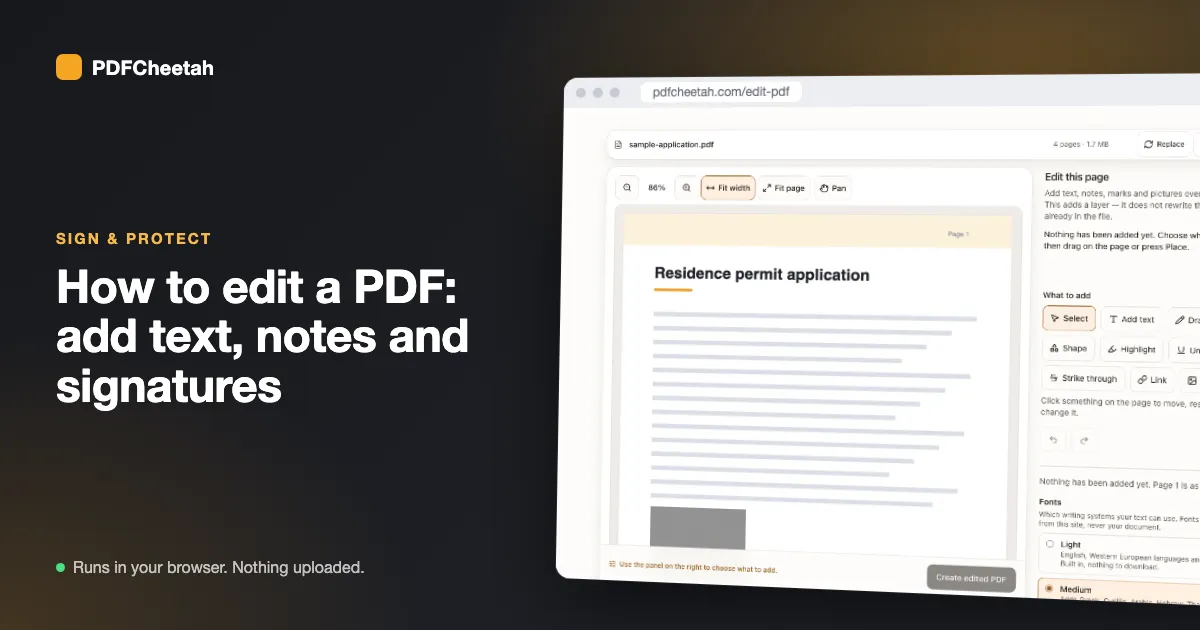
- 1Open Edit PDF and choose your file.
- 2Choose what to add: Add text, Highlight, Underline, Strike through, Shape, Draw, Link or Picture.
- 3Click or drag on the page where it should go, then move it or change it until it looks right.
- 4Download the edited PDF. Your original file is left as it was.
Highlights, underlines and strike-throughs are saved as real PDF annotations, so whoever you send the file to can select them, recolor them or take them off. A drawing is saved as lines rather than a picture, so it stays sharp when zoomed or printed.
Fill in a form or sign it
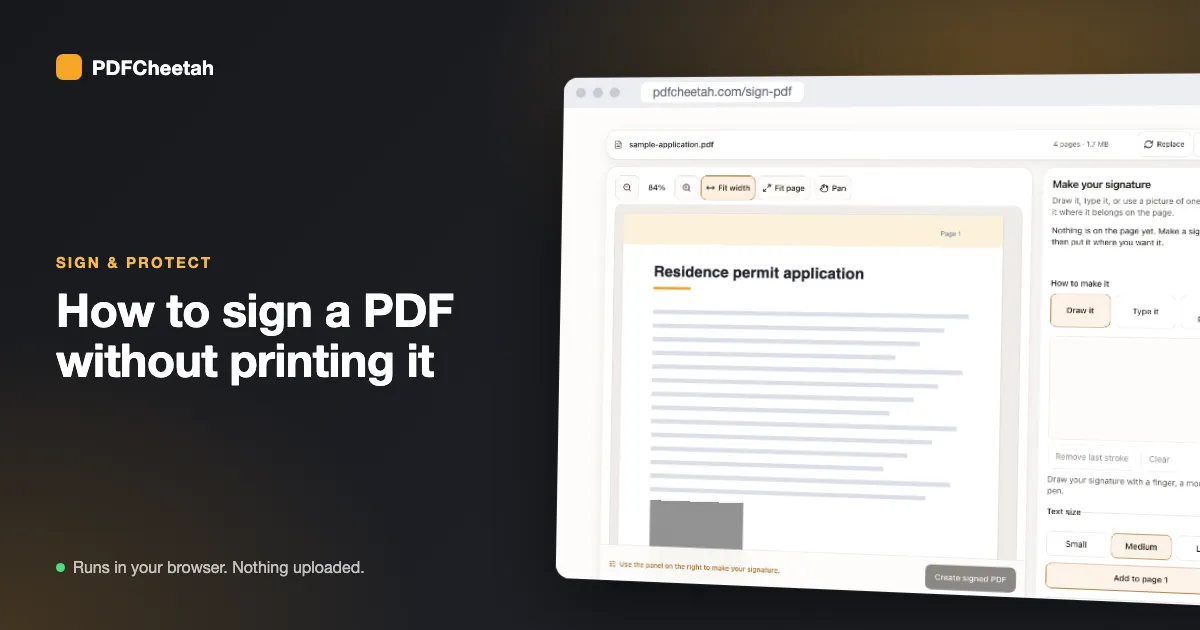
If the PDF is a form, Fill PDF Form lets you type into its boxes. If you need your signature on it, Sign PDF lets you draw it, type it or use a picture of it, and place it on the page. Both are explained step by step in how to fill in a PDF form that won't let you type and how to sign a PDF without printing it.
Change the pages rather than the words
Moving, removing and turning pages is editing too, and it never touches the text. Organize PDF reorders, rotates, duplicates and deletes pages on one screen. Delete PDF Pages is quicker when you only need to take a few out.
When you need to change the words already in the PDF
Nothing on PDFCheetah retypes the text a PDF already has. Doing that means rebuilding the document's text and fonts, which is a different kind of tool. The most reliable fix is usually the document the PDF was made from: ask the sender for the Word or Google Docs file, change it there, and save a new PDF.
What Edit PDF won't do
- Retype or delete the words already in the PDF. Everything you add sits on top of the page.
- Redact. Text under a box or a highlight is still in the file.
- Open a password-protected PDF until you unlock it with its password.
Questions people ask
Is this PDF editor free?
Yes. Edit PDF is free with no daily limit, no account and no watermark on your file.
Is my PDF uploaded when I edit it?
No. Everything you add is written onto the page in your browser, and the file stays on your device unless you choose to share it.
Can I type in other languages?
Yes. The Fonts control sets how far the text reaches, from English, Western European languages and Hindi up to Chinese, Japanese and Korean. Text in a script it can't write is refused rather than saved as empty boxes.