How to fill out a PDF form that won't let you type
Some forms have boxes you can click; others are a flat picture of a form. How to fill in both.
By PDFCheetah · 21 Nov 2026 · 3 min read
Sarah in Leeds downloaded a school admission form for her son. She clicks on the 'Child's name' line and nothing happens. She can't type anywhere, and she doesn't want to print it, write on it and scan it back.
Why you can't type on it
Some PDF forms are made with fields: boxes you can click and type into, tick boxes and dropdowns. Many aren't. A form that was scanned, or printed to PDF from a Word document, is just a picture of a form, and there is nothing to type into. Both kinds can be filled in on screen. They need different tools.
If it's a fillable PDF form
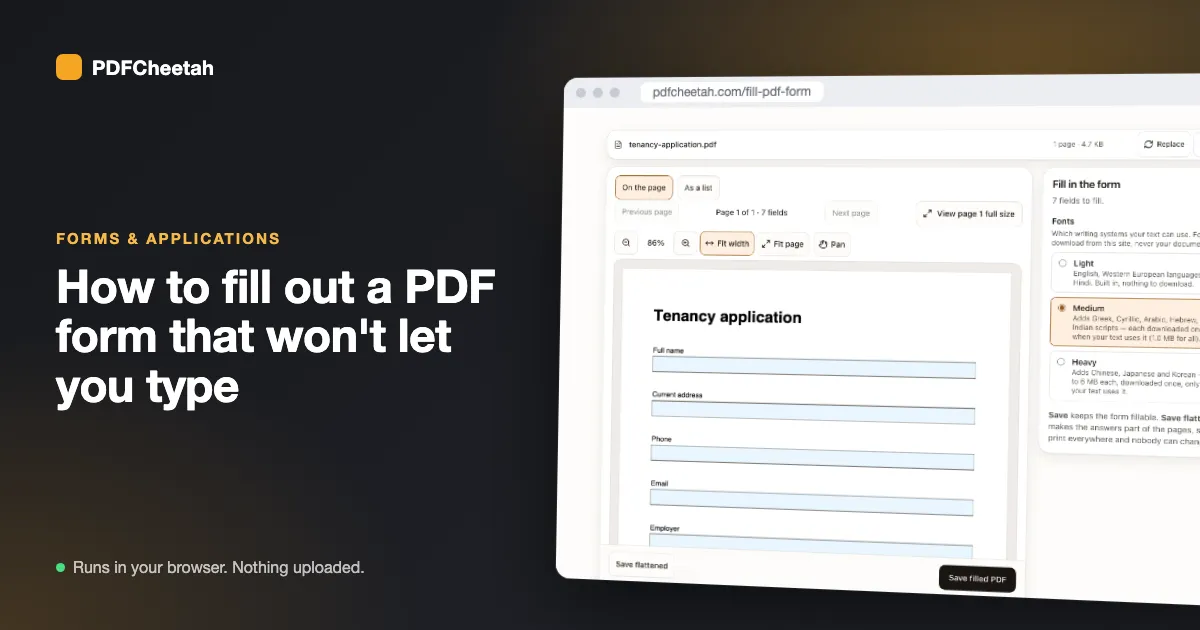
- 1Open Fill PDF Form and add the form.
- 2Type into the boxes, tick the tick boxes and pick from the dropdowns.
- 3Required fields that are still empty are listed. Read the list, because the form still saves without them.
- 4Choose Save filled PDF to keep the answers editable, or Save flattened so they can't be changed.
If it isn't fillable, type on the PDF anyway
- 1Open Edit PDF and add the form.
- 2Add text and place it over each blank line or box.
- 3Type an X in each tick box, or draw a tick.
- 4Download the PDF and check every answer lines up.
Then sign it
Fill PDF Form leaves a signature box empty. Save the filled form, then open it in Sign PDF to draw or type your signature. Our guide to signing a PDF without printing it explains what that signature is.
What Fill PDF Form won't do
- Fill a form whose fields exist only in XFA, a format made with Adobe LiveCycle Designer. Adobe Acrobat Reader fills those.
- Do a form's own sums or date formatting. Work out any totals yourself.
- Change words already printed on the form. Edit PDF adds text on top; it doesn't retype what's there.
Questions people ask
Why can't I type on my PDF form?
Because it has no form fields. It may be a scan or a form printed to PDF. Use Edit PDF to add text on top of it.
Can I change my answers after saving?
Yes, if you saved it filled: the fields stay editable in any PDF reader. A flattened form can't be changed, so keep the original.
Is my form uploaded?
No. It's filled in your browser and saved on your device. An automated test fails our build if a document's bytes or filename ever reach the network.
How do I type on a PDF that isn't fillable?
Open Edit PDF, add text and place it over each blank line or box. Type an X or draw a tick in the tick boxes, then download the PDF and check every answer lines up.