How to remove metadata and hidden data from a PDF contract
Author names, dates and earlier versions can travel with a PDF. Clean them out and lock form answers in place.
By PDFCheetah · 21 Nov 2026 · 3 min read
Neha, a consultant in Bengaluru, was about to send a client the final draft of a services contract. It was built from her old firm's template, and the file's properties still named her former manager as the author, with a creation date from 2021.
What a PDF carries that you can't see
The program that writes a PDF usually adds the author's name, the software, and when the file was created and changed. Many add a hidden XMP copy with an editing history. Some save each change by adding it to the end of the file, so an earlier version, and text you deleted, can still be inside.
Remove the metadata before you send
- 1Finish the wording first. Cleaning is the last step before sending.
- 2If the draft has filled-in fields or review comments that should stay visible, open Flatten PDF and flatten the form fields, the comments and markup, or both.
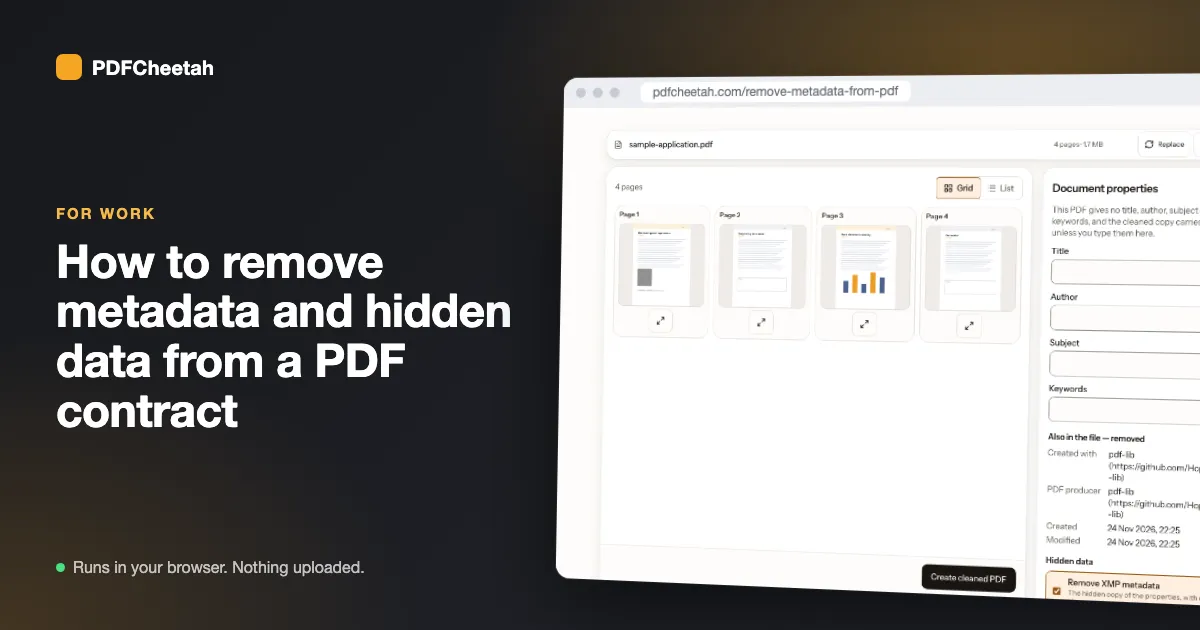
- 3Open Remove PDF Metadata and add the contract. It lists what the file says about itself before anything is removed.
- 4Leave the hidden-data options on, including Remove leftover and app-private data, which clears earlier versions saved inside the file. Type the title you want the client to see, or leave it empty.
- 5Download the cleaned copy and send that one.
Neither tool hides words that are on the page. A name in a footer, the text of a comment and a form answer all stay. Removing them needs redaction, which takes the words out of the page itself.
When the contract comes back
If the client returns a fresh PDF with no tracked changes, Compare PDF shows what changed. Add your version first and theirs second: removed words are struck through and added ones underlined, page by page. Pages are paired by number, so a page added near the start makes everything after it look changed.
What Remove PDF Metadata won't do
- Change or hide text on the pages. A name or a number you can see stays visible.
- Clean a password-protected PDF. Unlock it first.
- Keep a certificate signature valid. Clean and flatten the contract before it is signed, not after.
Questions people ask
Can the other side see who wrote my PDF?
Often, yes. Most PDFs name an author, the software and the dates in their properties. Remove PDF Metadata clears them, and the cleaned copy says only that PDFCheetah wrote it.
Does flattening hide anything?
No. It draws form answers and comments into the page as they look, so they can't be edited. Everything visible stays visible.
Is my contract uploaded?
No. It is cleaned in your browser and the new file is saved on your device. An automated test fails our build if a document's bytes or filename ever reach the network.