Best free JPG to PDF converter: 5 tools compared
Free limits on photos per PDF, uploads and sign-ups across five services.
By PDFCheetah · 21 Nov 2026 · 5 min read
Sana in Hyderabad is applying for a job. The HR portal wants her degree certificate and three marksheets as one PDF. She has no scanner, so she photographed each one on her phone. Any of the five sites at the top of her search will turn those photos into a PDF. What differs is how many photos each takes for free, where her certificates go while it happens, and whether she has to sign up.
What we compared
- Where your photos are processed: on the company's servers, or on your own device.
- Whether you need an account.
- The free limit, in each company's own words.
- Whether there is a way to work without uploading.
Every claim about another company here comes from that company's own website, read on 17 November 2026. We leave out their prices, because prices change and a wrong one would be unfair to them.
iLovePDF
iLovePDF's plan table lets the free Basic plan put 20 images into a PDF per task. Its privacy policy says files are deleted from its servers within two hours of being processed, apart from its iLoveSign service, whose own terms set how long files are kept. Its terms list an 'unregistered user' as a kind of free account, so it appears usable without signing up, though iLovePDF doesn't say so in those words. Its desktop app, it says, works offline.
Smallpdf
Smallpdf promises 'no installations, sign-ups, or learning curves' on its compress page. Its support page gives the free limit as 'up to 2 conversions per day', and says files are removed from its servers after one hour of processing, for most tools. Its desktop software, in Smallpdf's words, handles files offline without uploading them.
Adobe Acrobat online
Adobe Acrobat online's FAQ allows files up to 100 MB for most tools. The same FAQ says Acrobat online services upload your files to Adobe cloud storage, and that without signing in with an Adobe ID you can complete one free transaction and download the result once. Premium tools allow one free transaction every 30 days.
Sejda
Sejda says 'No signup required'. Its plan page lists page and hourly limits, limited file uploads and tool specific limits for the free service. Sejda's web tools upload your documents and process them on its servers, in its own description. Sejda Desktop, it says, has the same features and your files never leave your computer.
PDFCheetah (our tool)
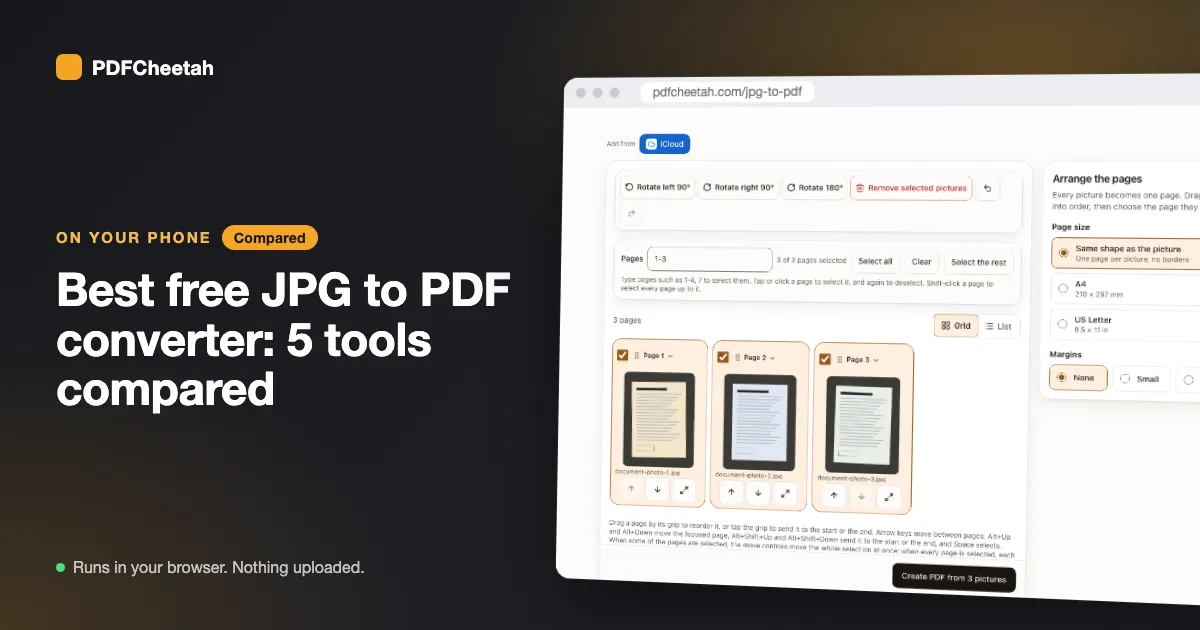
JPG to PDF is ours, so weigh this part with that in mind. Your photos are put into a PDF in your browser and never uploaded. An automated test, the No-Upload Check, fails our build if a document's bytes or filename reach the network. There's no account, no email and no daily or hourly cap. The free tools take five pictures per PDF.
- The date, the device and the location your camera stored in each JPG are left out of the PDF. The picture itself goes in untouched.
- Each page takes the shape of its photo by default, or choose A4 or US Letter and whether each photo fits the page or fills it.
- iPhone photos saved as HEIC go through Image to PDF, which takes JPG, PNG, WebP, GIF, BMP, AVIF, TIFF and HEIC where your browser can read them. HEIC opens in Safari on a Mac and in any browser on an iPhone or iPad.
One limit applies to any photo turned into a PDF here: a photographed page stays a picture of words. Nothing reads the text out of it, so it can't be searched or copied.
Each company's claims below are quoted from its own site, with the page they came from and the date we read it.
PDFCheetah
- Where your file is processed
- In your browser. Your document is never uploaded, and PDFCheetah's No-Upload Check, an automated test, fails the build if your document's bytes or its filename reach the network.
- Account needed
- No. No account, and no email address required to use any tool.
- Free limit, in their words
- No daily or hourly cap. There is no counter, because there is nothing to meter. Up to five files at a time when you combine them.
- Works offline
- Yes, in the page you already loaded — no separate app needed. Measured end to end on Rotate in Chrome; Safari and iPhone are unverified.
iLovePDF
- Where your file is processed
- “except for iLoveSign services, to which the storage period of files contemplated in their respective Specific Terms of Service apply, ILOVEPDF will delete the files of your Content (as defined in the Specific Terms of Service) within TWO (2) HOURS of being processed on ILOVEPDF's servers.”their page, read 2026-11-17
- Account needed
- Our reading: Their terms list an “unregistered user” as one of two kinds of free account, so the tools appear usable without one. iLovePDF does not say so in those words.their page, read 2026-11-17
- Free limit, in their words
- “The Free Plan gives you access to our core tools, perfect for light use. You can process a limited number of documents.”their page, read 2026-11-17
- Works offline
- “Get a lightweight PDF App that helps you process heavy PDF tasks offline in seconds.”their page, read 2026-11-17
Sejda
- Where your file is processed
- “Sejda Web are the online browser-based tools, where you upload your documents and process them on our servers.”their page, read 2026-11-17
- Account needed
- “No signup required”their page, read 2026-11-17
- Free limit, in their words
- Their wording, condensed: Page and hourly limits; limited file uploads; tool specific limits.their page, read 2026-11-17
- Works offline
- “Rather not upload your files and work with them offline? Try Sejda Desktop. Same features as the online service, and the files never leave your computer.”their page, read 2026-11-17
Smallpdf
- Where your file is processed
- “We secure all file transfers with an advanced TLS encryption level and remove files automatically from our servers after one hour of processing (for most tools).”their page, read 2026-11-17
- Account needed
- “no installations, sign-ups, or learning curves”their page, read 2026-11-17
- Free limit, in their words
- “process up to 2 conversions per day”their page, read 2026-11-17
- Works offline
- “Our desktop software handles files offline, without uploading them to our servers.”their page, read 2026-11-17
Adobe Acrobat online
- Where your file is processed
- “Acrobat online services upload your files to Adobe cloud storage.”their page, read 2026-11-17
- Account needed
- “If you don't sign in to Acrobat web or Acrobat browser extensions with an Adobe ID, you can only complete one free transaction and download the resulting file one time. There are also a few tools that you can't try without signing in.”their page, read 2026-11-17
- Free limit, in their words
- “When trying premium tools, you can make one free transaction every 30 days on a rolling basis.”their page, read 2026-11-17
- Works offline
- “when you compress PDFs with the Adobe Acrobat desktop app, your files are kept on your local device rather than an external server.”their page, read 2026-11-17
There is no watermark column because none of these products states a position covering its free output as a whole.
What each one states in detail
- iLovePDF
- Their wording, condensed: From the Basic column of their plan table: Merge 25 files per task, Rotate 20, Image to PDF 20, Organize 5, Sign 3, Compress 2, most conversions 1. Filesize per task: Compress 200 MB, most core tools 100 MB, PDF to JPG 25 MB, Office conversions and OCR 15 MB.their page, read 2026-11-17
- Sejda
- “Free service for documents up to 50 pages or 50 MB and 3 tasks per hour”their page, read 2026-11-17
- “up to 200 pages or 100 MB and 3 tasks per hour”their page, read 2026-11-17
- Smallpdf
- “limited access to basic features of 21 online tools”their page, read 2026-11-17
- Adobe Acrobat online
- Their wording, condensed: Their FAQ gives 100 MB for most tools, 200 MB for PDF to Word and PDF to PowerPoint, 2 GB for Compress, a 1,500-page ceiling on page tools, and up to 100 files for Merge.their page, read 2026-11-17
Which one to pick
- For more than five photos in one go, if you don't mind uploading, iLovePDF's free plan takes 20 images per task. On PDFCheetah, make PDFs of five and join them with Merge PDF.
- For certificates, ID or anything private, pick a way that doesn't upload: PDFCheetah in your browser, or one of the desktop apps from iLovePDF, Smallpdf or Sejda.
- For screenshots or anything with a transparent background, use PNG to PDF instead.
- If the finished PDF is too big for the portal, run it through Compress PDF. Photos go in at full quality, so the PDF weighs what they do.
What PDFCheetah costs
Other picture formats
What JPG to PDF won't do
- Put more than five pictures into one PDF on the free tools. Make several PDFs and merge them.
- Read text out of a photo. A photographed page stays a picture, so its words can't be searched or copied.
- Open HEIC photos in JPG to PDF. Use Image to PDF, in Safari on a Mac or on an iPhone or iPad.
Questions people ask
Which free JPG to PDF converter doesn't upload my photos?
PDFCheetah's JPG to PDF builds the PDF in your browser and never uploads your photos. iLovePDF, Smallpdf, Adobe and Sejda describe their online tools as working on their servers; iLovePDF, Smallpdf and Sejda each offer a desktop app that, in their words, works offline.
Does the PDF show where my photo was taken?
Not on PDFCheetah. The date, device and location a camera stores inside a JPG are removed before the picture is written into the PDF.
Can I convert iPhone photos to PDF?
Yes, with Image to PDF. It reads HEIC on an iPhone or iPad in any browser, and in Safari on a Mac. Elsewhere, save the photos as JPG first and use JPG to PDF.