How to convert iPhone HEIC photos to PDF
Your iPhone saves photos as HEIC, and the form wants a PDF. What works, and on which browsers.
By PDFCheetah · 21 Nov 2026 · 3 min read
Emily in Ohio photographed her lease and her driver's licence on her iPhone to send to a new employer. On her Windows laptop the files end in .HEIC, and the HR portal only accepts PDF.
Why HEIC is the problem
HEIC is the format iPhones use for photos by default. It keeps files small, but not every browser can open it. PDFCheetah uses your browser's own decoder for HEIC, so it works only where the browser can read it: Safari on a Mac, and every browser on an iPhone or iPad running iOS 17 or later. If your browser can't open a photo, the tool tells you when you add it, instead of making a blank page.
Convert HEIC to PDF on your iPhone
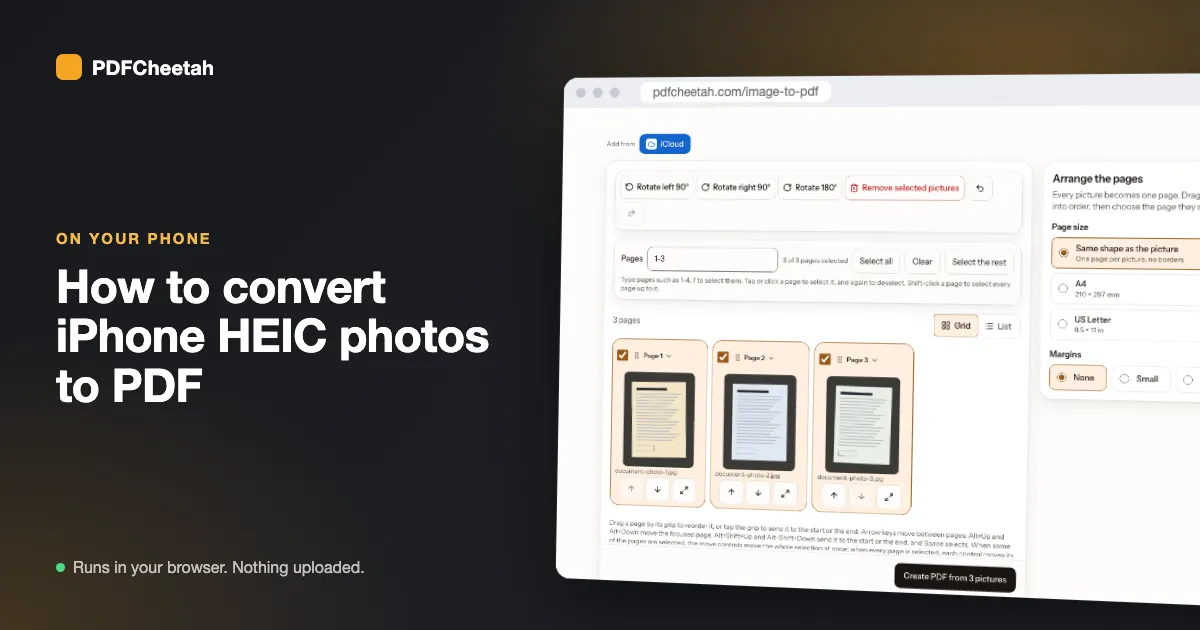
- 1On your iPhone, open Image to PDF in Safari or any other browser.
- 2Choose the photos from your library.
- 3Put them in the order you want. Each photo becomes one page.
- 4Download the PDF, or send it straight from your phone with Share.
On Windows or Android
Make the PDF on the iPhone that took the photos, which is usually quickest. Or save JPG copies of the photos first, for example from the Photos app on the iPhone, and use JPG to PDF on any device.
If the photos are of paper taken at an angle, save them as JPG and use Scan to PDF to straighten them. If the PDF comes out too big, Compress PDF makes it smaller. HEIC photos are stored without loss when converted, so the PDF can be larger than the photos were.
What Image to PDF won't do
- Open HEIC in Chrome, Edge or Firefox on a computer or an Android phone. Those browsers can't read it, so neither can the tool.
- Read the text in a photographed page. It stays a picture.
- Put more than five photos into one PDF.
Questions people ask
Why does my HEIC photo say it can't be opened?
Your browser can't read HEIC. Open the page on your iPhone or iPad, or in Safari on a Mac, or convert the photo to JPG first.
Does the PDF keep where and when my photos were taken?
No. The location, time and phone model stored inside each photo are left out of the PDF.
Are my photos uploaded to convert them?
No. Every photo is opened and converted in your browser, and the PDF is saved on your device. An automated test fails our build if a document's bytes or filename ever reach the network.
Can I convert HEIC to PDF on Windows?
Not in Chrome, Edge or Firefox, which can't read HEIC. Make the PDF on the iPhone that took the photos, or save JPG copies of them and use JPG to PDF on any device.