How to scan receipts for taxes with your phone
Get receipts into a clean PDF before the thermal paper fades, one file a month for tax time.
By PDFCheetah · 22 Nov 2026 · 3 min read
If you're self-employed, itemize deductions or claim business expenses, the receipts are the proof. Many are printed on thermal paper, which fades. A shoebox in April can hold receipts nobody can read any more, so it pays to get them into a file as they come in.
Take photos that scan well
- Put the receipt on a dark, flat surface, such as a table or a folder, so its edges stand out.
- Hold the phone straight above it, with no shadow from your hand.
- Flatten a curled receipt under a coin or two at the ends, clear of the print.
- Long receipts: take two photos, top half and bottom half.
Turn the photos into one PDF
- 1Open Scan to PDF in your phone's browser and choose your photos.
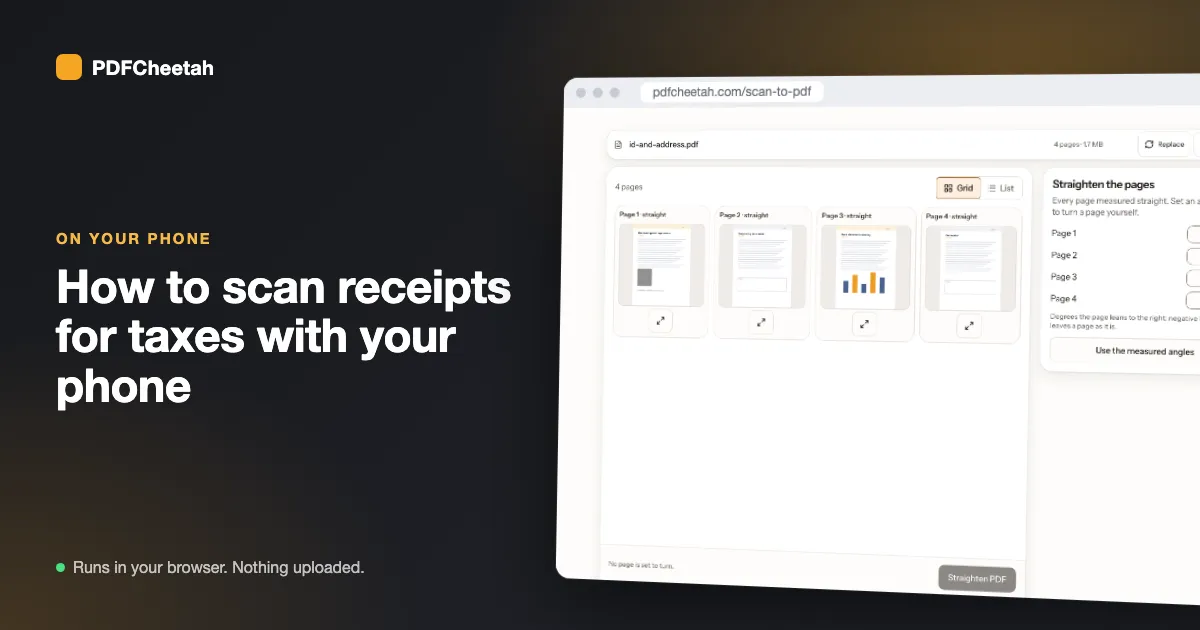
- 2For each one, drag the four corners to the corners of the receipt. The page is flattened and straightened from them.
- 3Choose a page size and a clean-up mode, then download one PDF.
- 4Name it by month or category, such as '2026-03 receipts' or '2026 home office'.
At tax time
Put the months together with Merge PDF, five files at a time, and add your W-2s and 1099s if your preparer wants everything in one file: how to combine W-2s, 1099s and receipts into one PDF walks through it. If the result is too big to send, Compress PDF gets it under the size you need.
What Scan to PDF won't do
- Make the text searchable. There's no text recognition here, which is why the file name matters.
- Find a receipt's corners for you. You place them, and the page is cut exactly where you put them.
- Tell you which receipts you need to keep. Ask your tax preparer or check the IRS's own guidance.
Questions people ask
Are my receipts uploaded?
No. The photos are straightened and made into a PDF in your phone's browser, and the PDF is saved to your phone.
How many receipts can go in one PDF?
Up to 200 photos, each a JPEG, PNG or WebP of up to 64 MB.
My iPhone saves photos as HEIC. Will they work?
Scan to PDF takes JPEG, PNG and WebP. On your iPhone, Settings › Camera › Formats › Most Compatible saves new photos as JPG, which every browser can read. For photos already saved as HEIC, Image to PDF opens them where your browser can, as it does on an iPhone with iOS 17 or later.