How to copy text from a PDF that won't let you
Get the words out cleanly, and what to do when the PDF is really a scan.
By PDFCheetah · 21 Nov 2026 · 3 min read
Dev, a law student in Hyderabad, needed three paragraphs from a court judgment for his assignment. In his PDF viewer, Copy was greyed out. On another file, dragging across a paragraph highlighted the whole page as one block.
Three reasons copying fails
- The PDF has copying switched off. It opens without a password, but the file asks readers not to let you copy.
- The PDF is a scan. Try to select one word: if the whole page highlights, or nothing does, the page is a picture.
- The text copies, but pastes in the wrong order, because the page has columns or text boxes.
Copy or extract the text from the PDF
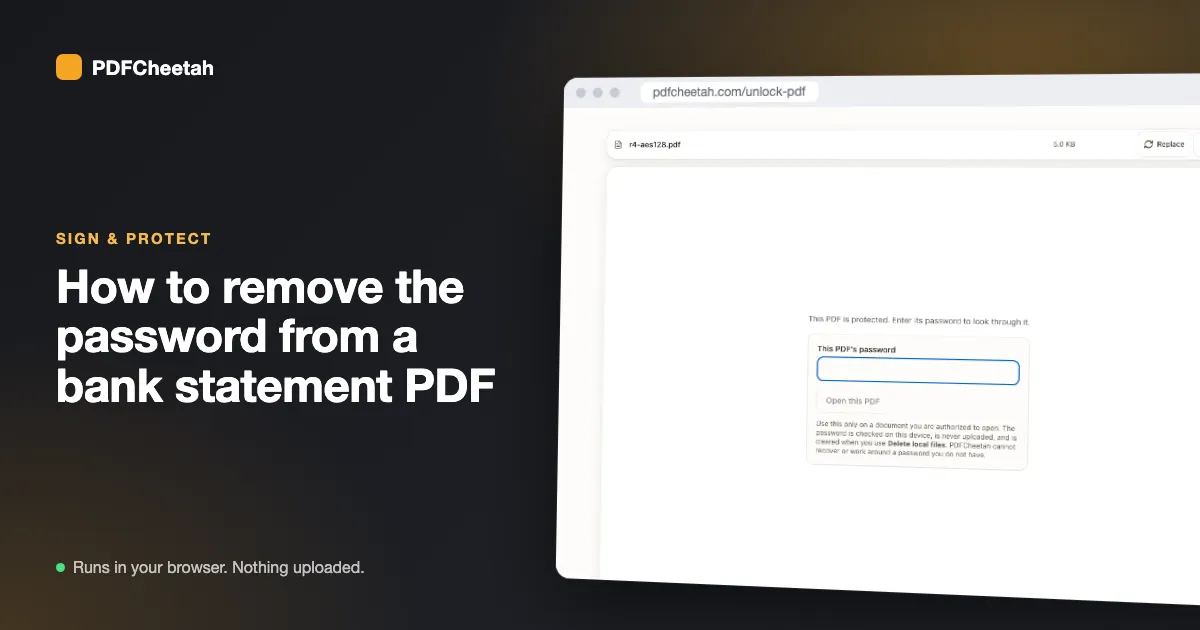
- 1If copying is switched off, open Unlock PDF and add the file. A PDF that only stops printing or copying opens with no password, and the restrictions are removed in the copy you save. If it asks for a password, you'll need to know it.
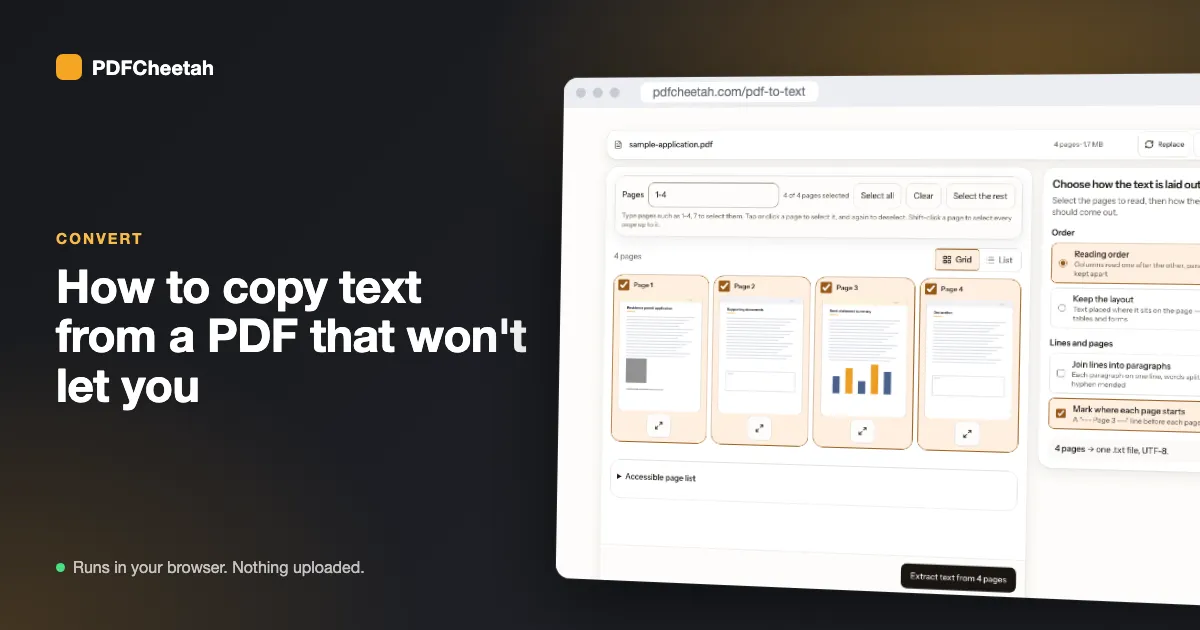
- 2Open PDF to Text and add the PDF, or the unlocked copy.
- 3Choose Reading order for a judgment, a report or an article. Choose Keep the layout for a table or an invoice, so the columns still line up.
- 4Copy the text straight from the page, or download it as a .txt file.
For notes, a wiki or an AI tool, PDF to Markdown reads the same words and keeps the headings and lists, so sections stay apart.
If the PDF is a scan
A scan is a picture of words, so there's no text in it to copy, and PDF to Text names every page that came out empty. The free tools here don't read words out of pictures (that's called OCR). For a few paragraphs, retyping is often quickest. For more, use a desktop program with OCR.
Going the other way: text into a PDF
What PDF to Text won't do
- Read text from a scanned page or a photo of one. It comes out empty, and the result says which pages.
- Open a PDF whose password you don't know. Ask whoever sent it.
- Keep bold, fonts or pictures. You get plain text.
Questions people ask
Why can't I copy text from my PDF?
Either the file has copying switched off, or the page is a scan with no text in it. Try selecting a single word. If it highlights on its own, the text is there and PDF to Text can read it.
Is removing the copy restriction allowed?
Unlock PDF is for documents you're entitled to use. It removes a password you know and the restrictions stored with it. It doesn't guess passwords.
Is my PDF uploaded to get the text out?
No. The text is read in your browser and the .txt file is written on your device. Nothing is sent anywhere.
How do I extract all the text from a PDF?
Open PDF to Text and add the PDF. It reads every page, and you can copy the text or download it as a .txt file. A scanned page has no text in it to extract.